How We Built Kickker - Syncing Real-Time Voice with Live Browser Automation
When Akash and I started building Kickker AI in February 2026, we thought the hard part would be the AI. Getting an LLM to understand products, answer questions accurately, handle edge cases.
We were wrong. The AI part, while complex, was the more predictable challenge. The genuinely hard part was making voice, video, and browser automation work together in real time, smoothly, without the user ever noticing the complexity underneath.
This is the story of how we built it, what broke, and what we learned.
The Problem We Set Out to Solve
The idea was straightforward. Build an AI agent that can sit on a company's website, talk to visitors, and show them the product live. Not a chatbot. Not a pre-recorded video. A live, interactive experience where the agent shares its screen, navigates the product, and has a real conversation.
Simple to describe. Extremely hard to build.
The Three Pillars
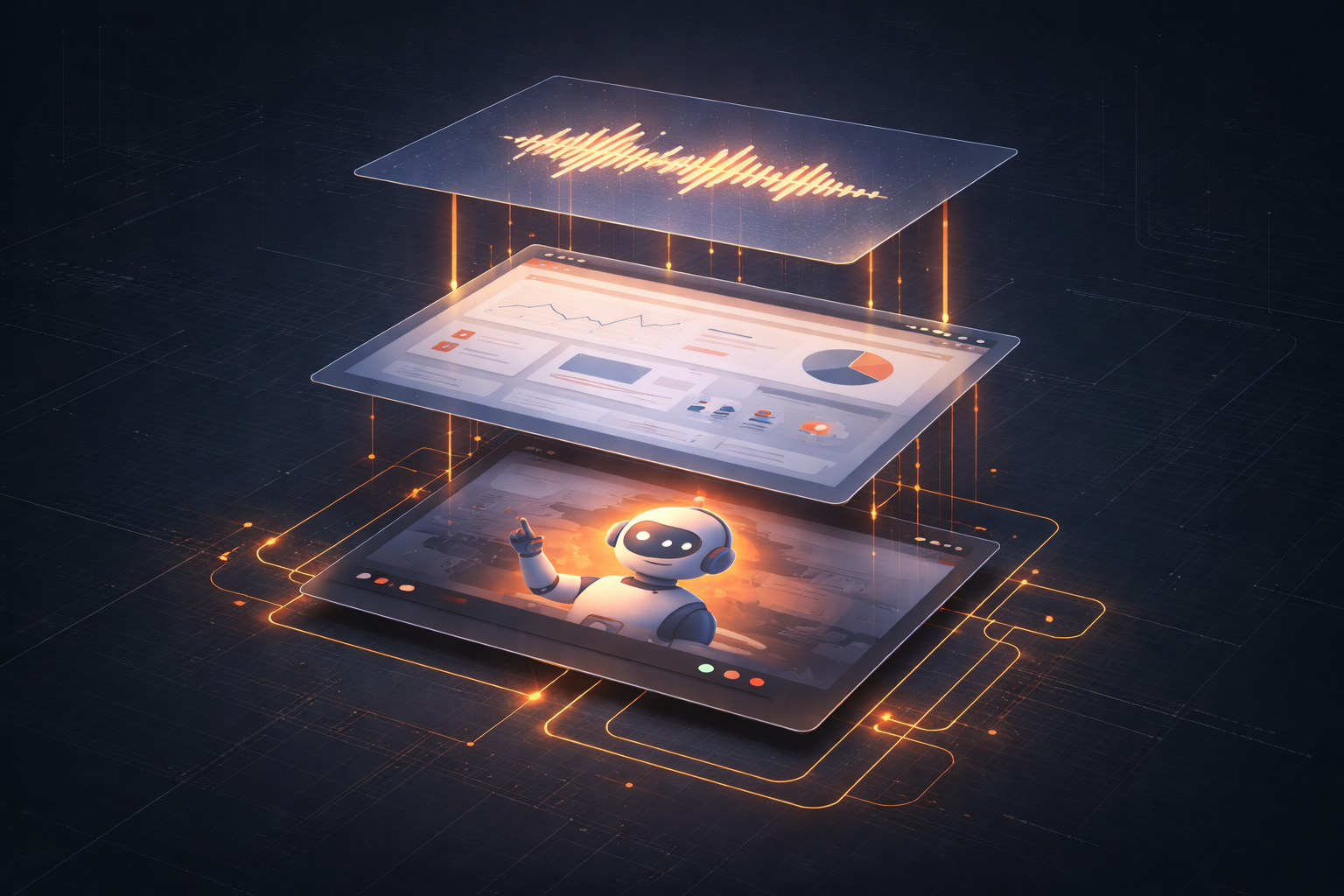
Our system has three core capabilities that need to work in sync:
Voice: The agent needs to listen to the visitor, understand what they are saying, and respond naturally. This means real-time speech-to-text, LLM processing, and text-to-speech, all with minimal latency.
Browser Automation: The agent needs to understand the current state of a web page, decide what to click or navigate to, execute that action, and verify the result. All while the page is live and potentially changing.
Video: The visitor needs to see what the agent is doing in the browser, in real time. Screen sharing with low enough latency that it feels like watching someone do it live.
Each of these is a solved problem individually. The challenge is making them work together.
Challenge 1: The Latency Stack
When a visitor asks "Show me the reporting dashboard," here is what needs to happen:
1. Speech-to-text converts the audio to text (~200-400ms)
2. The LLM processes the request and decides what to do (~500-1500ms)
3. The browser automation engine navigates to the reporting dashboard (~500-2000ms depending on page load)
4. The screen capture updates the video stream (~100-200ms)
5. The LLM generates a verbal response (~500-1000ms)
6. Text-to-speech converts it to audio (~200-400ms)
If you add all of that up sequentially, you are looking at 2-5 seconds of dead air. That is enough for the user to think something is broken.
Our solution was to pipeline and parallelize aggressively. The agent starts speaking a transitional response ("Let me show you the reporting dashboard") while simultaneously triggering the browser navigation. The verbal explanation of what they are seeing starts generating before the page has fully loaded. The screen share updates are streamed incrementally, not sent as complete frames.
We also invested heavily in pre-computation. If the agent is on the home page and the visitor is asking about features, the agent pre-loads likely next destinations in the background. When the visitor actually asks, the navigation is near-instant because the page is already cached.
Challenge 2: Browser State Understanding
This was the hardest technical problem. When the agent is looking at a web page, it needs to understand what is on the screen, what is clickable, and what each element does.
Early on, we tried a purely vision-based approach. Take a screenshot, send it to a vision model, get back a description and action plan. This worked okay for simple pages but fell apart on complex dashboards with lots of elements. The model would confuse similar-looking buttons or miss dynamically loaded content.
Our current approach uses a hybrid. We combine DOM analysis (reading the actual HTML structure) with visual understanding. The DOM gives us precise element locations and types. The visual model gives us context about what the page looks like and what a human would focus on.
We also built a concept we call "action verification." After the agent clicks a button or navigates somewhere, it checks whether the expected outcome happened. Did the page change? Did the modal open? Did the filter apply? If not, it retries or takes a recovery action. This is critical because web applications are unpredictable. Pages load slowly, modals animate, content shifts.
Challenge 3: Conversational Coherence
Here is a scenario that broke our early prototypes constantly:
Visitor: "Can you show me the user management section?" Agent: *starts navigating to user management* Visitor: "Actually, wait, first show me pricing."
The agent is mid-navigation. The browser is loading a page. The previous action is in flight. And now the visitor wants something completely different.
Handling interruptions gracefully required rethinking our orchestration layer. We built a priority queue for actions where new voice inputs can preempt in-progress browser actions. The agent acknowledges the change ("Sure, let me take you to pricing instead"), cancels the current navigation, and redirects.
This sounds simple but the edge cases are endless. What if the page already loaded? What if the agent was mid-sentence explaining the previous page? What if the visitor's interruption is actually a follow-up question, not a redirect?
We handle this with a multi-agent architecture internally. One agent manages the conversation state. Another manages browser actions. A third handles the coordination between them. They communicate through a shared context that updates in real time.
Challenge 4: Knowledge Depth
Getting an AI to have a surface-level conversation about a product is easy. Getting it to answer deep, specific questions accurately is hard.
"How do permissions work for nested folders?" or "What happens if two users edit the same record simultaneously?" These are the questions real prospects ask, and generic LLM knowledge cannot answer them.
Our solution is a multi-layered knowledge system:
All of this feeds into a RAG pipeline that retrieves relevant context for each conversation turn. The agent does not hallucinate features because it is grounded in actual product documentation.
What We Got Wrong
We made plenty of mistakes. Here are the biggest ones:
We over-optimized for demo quality too early. Our first version tried to make every demo perfect. Beautiful transitions, smooth navigation, no errors. But we spent so long polishing that we delayed getting in front of real users. When we finally did, we learned that users cared more about responsiveness and accuracy than polish.
We underestimated page load variability. In our development environment, pages loaded in 200ms. In production, with real customer applications, some pages took 3-5 seconds. Our timing assumptions were all wrong and we had to rebuild the synchronization layer.
We initially treated voice and browser as independent systems. They need to be deeply integrated. The voice response needs to reference what is on screen. The browser actions need to be timed with the verbal explanation. When we decoupled them, the experience felt robotic and disconnected.
Where We Are Now
We started building on February 15, 2026. In 45 days:
The system is not perfect. Latency spikes happen. The agent occasionally misnavigates on complex pages. Some edge-case questions still stump it.
But it works. Visitors talk to our agent, see the product live, get their questions answered, and leave with a clear understanding of what the product does. That is the bar we set, and we are hitting it.
What is Next
The immediate focus is improving the browser automation model. We are building a proprietary model trained on thousands of annotated demo sessions that will be more accurate and faster than our current approach.
Longer term, we are preparing for agent-to-agent interactions. A world where a buyer's AI agent talks to a seller's AI agent to evaluate products, compare features, and negotiate terms. That requires APIs instead of UIs, negotiation engines, and trust layers. It is coming faster than most people think.
If you are building in this space or facing similar challenges, I would love to talk. The problems we are solving at the intersection of real-time AI, browser automation, and video are some of the hardest and most interesting in the industry right now.
And we are just getting started.
Want to see Kickker AI in action? Get in touch